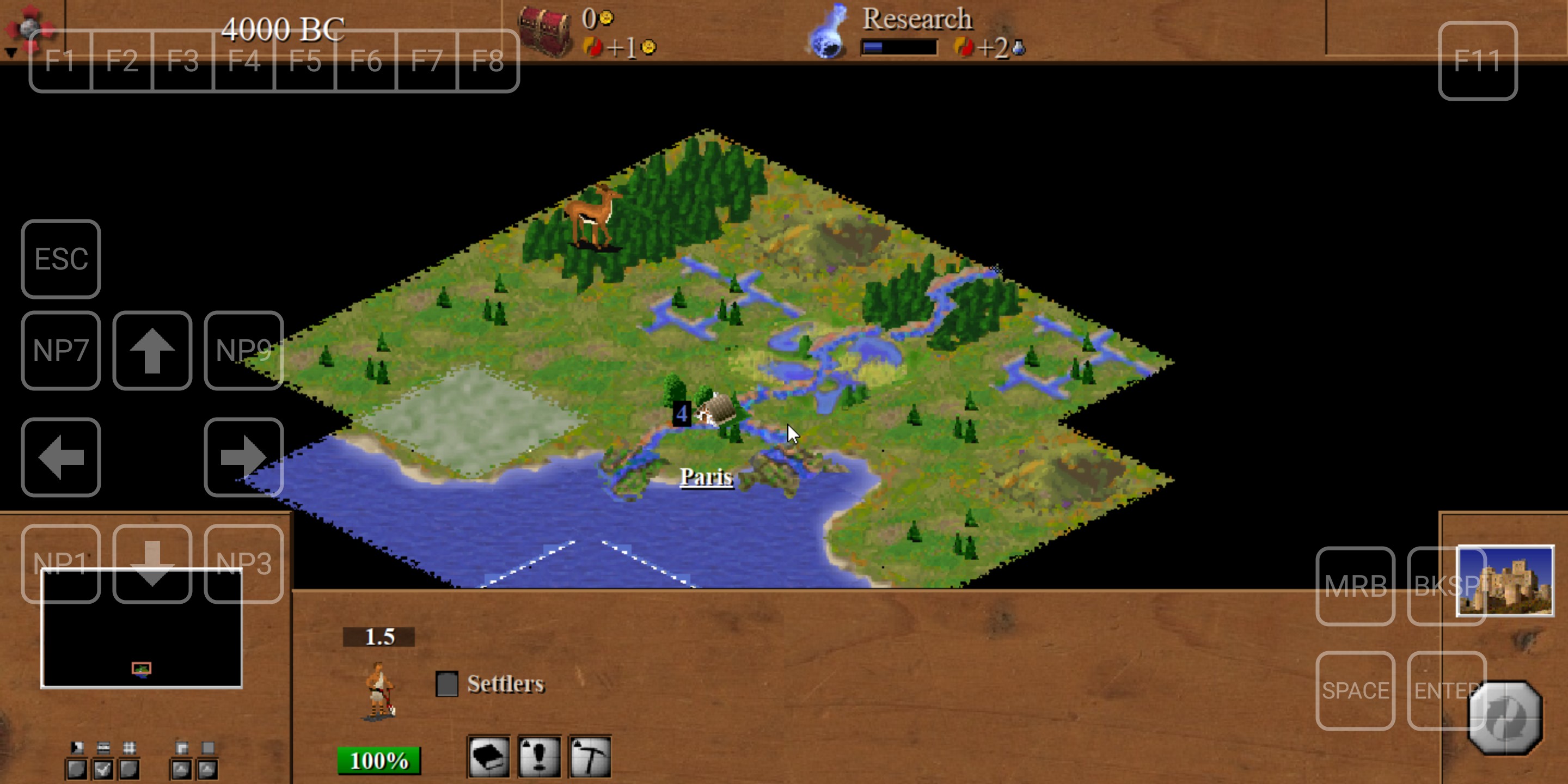
It is not simply possible to compile C-evo for Android but it is possible to run the game with Windows emulators on Android. One such emulator is Winlator.

How to run the game:
- Install Winlator app on your Android smartphone from https://github.com/brunodev85/winlator/releases
- Start Winlator and let it do its initialization
- Tap on + button to create a new Container
- Default container parameters are mostly ok. You can adjust them as needed.
- Run newly created container
- In Android download the latest C-evo release from https://svn.zdechov.net/c-evo/bin/win/ and save it to your Downloads directory
- Inside container open drive D: which should point to your Downloads
- Run Install-C-evo-nh-version.exe and install the game
- Run the game from C-evo icon on the desktop or from Programs submenu in Start menu
Notes:
- Right mouse click is done with two fingers tap.
- You can adjust DPI in game Settings dialog to higher values like 150%.
- On screen keyboard can be shown from Winlator menu which can be made visible with Android back button.
- Winlator support custom on screen touch controls configurable from "Input Controls" dialog. Useful keys like num pad keys for unit movement or functional keys can be put on the screen.
- Original C-evo 1.2.0 works as well but it's size doesn't cover entire screen and it doesn't support High DPI which is handy for smartphones with high pixel resolution
- Extra C-evo 32-bit AIs are not multi-platform but thanks to Windows emulation they can run on Android. In this way they can run also on Linux with Wine emulation.
Last modified
8 months ago
Last modified on Feb 2, 2026, 11:19:07 AM
Attachments (1)
- Screenshot_20260202-111642.jpg (468.3 KB ) - added by 8 months ago.
Download all attachments as: .zip
Note:
See TracWiki
for help on using the wiki.